Step 1 – Prepare Your Device for 8K Player Installation
Before installing the 8K Player VIP APK, you need to install the Downloader app.
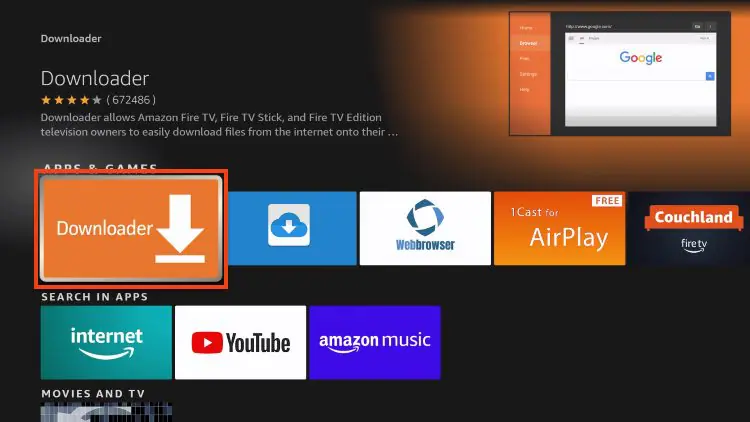
Install Downloader on Fire TV Stick
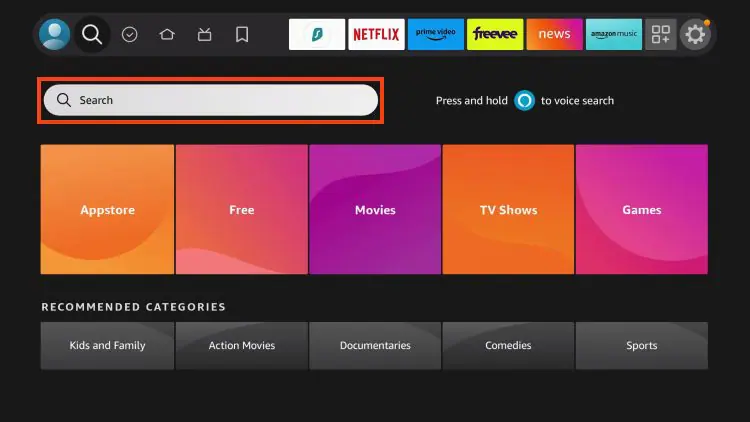
1. From the home screen, select Search.
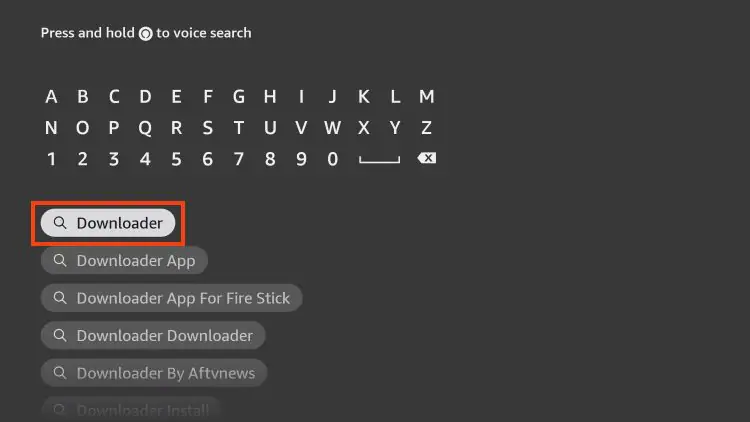
2. Type Downloader and press Enter.
3. Choose the Downloader app from the results.
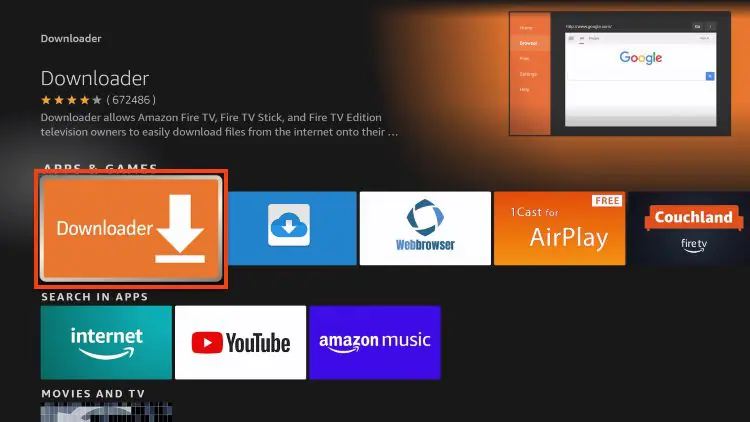
4. Click Download / Get.
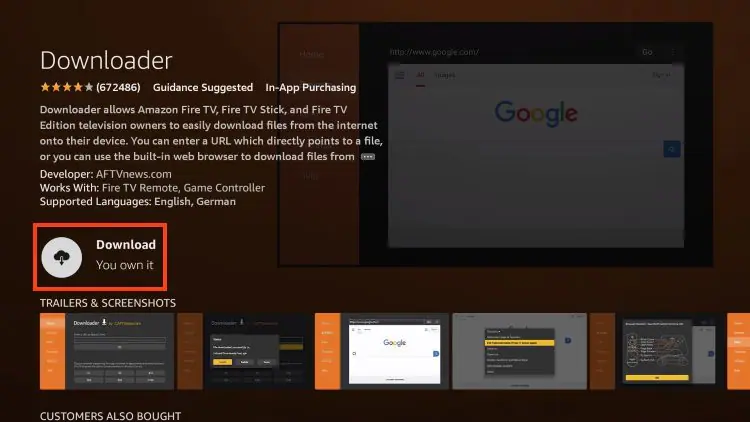
5. Wait for the installation to finish.
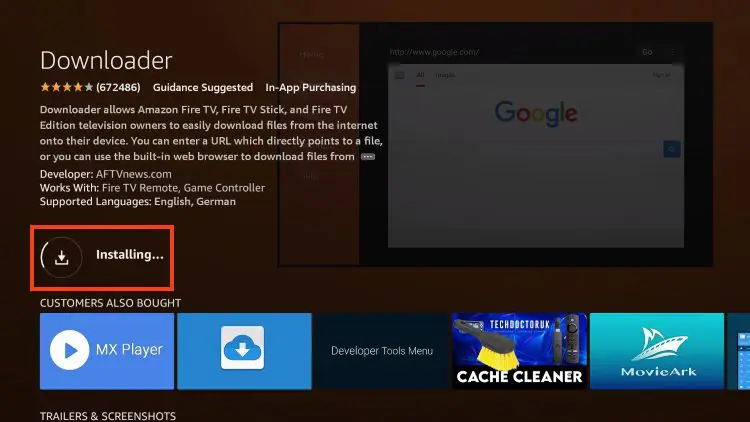
You’ll see: Downloader Ready to Launch.
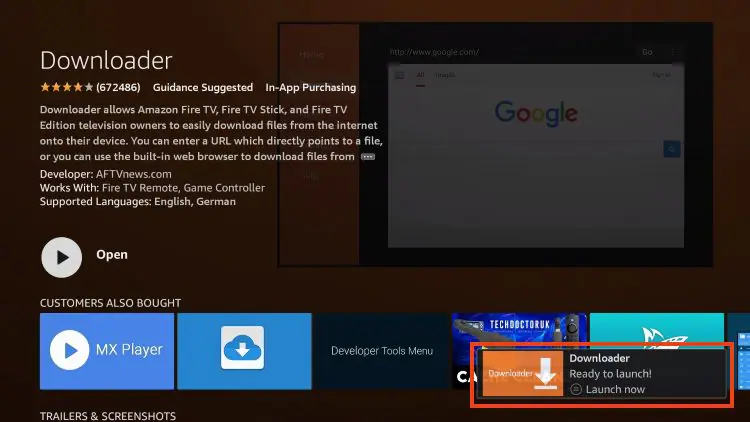
Downloader is now installed and ready to use for sideloading the 8K Player IPTV app.
Step 2 – Allow Installation from Unknown Sources
To install the 8K Player VIP APK, Firestick must allow apps from unknown sources.
Enable Unknown Apps
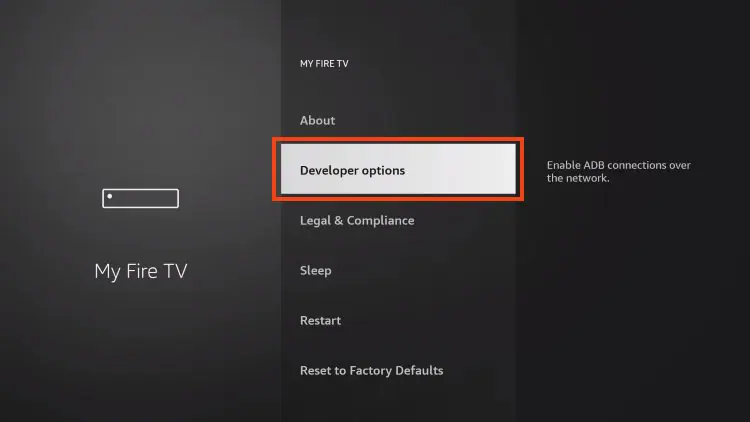
1. Go to Settings → My Fire TV.
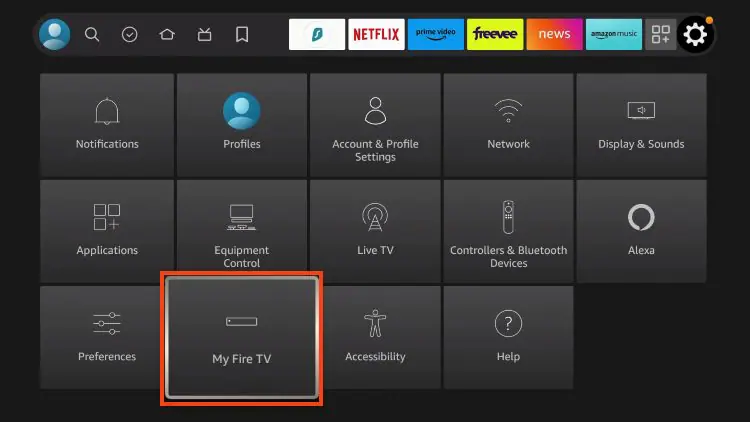
2. Select Developer Options.
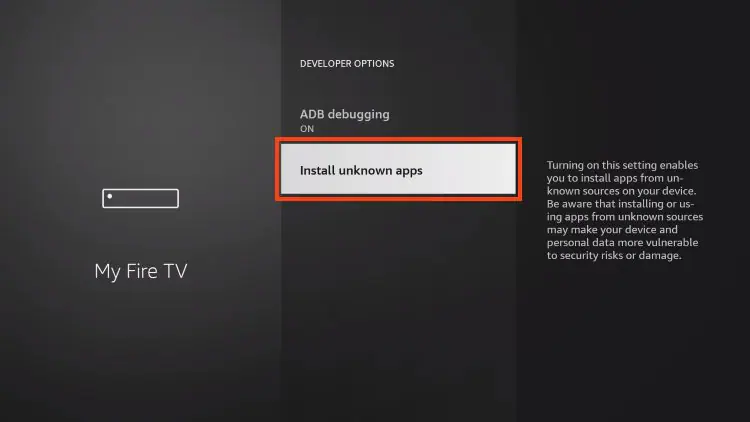
3. Click Install Unknown Apps.
4. Find Downloader and turn it ON.
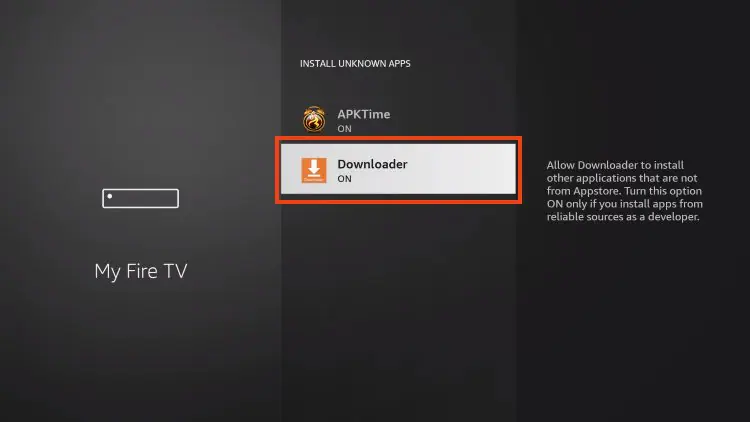
Now your Fire TV Stick can install external apps like 8K Player, 8K IPTV Player, and other media player apps.
Step 3 – Download and Install 8K Player VIP
Now it’s time to install the 8K Player VIP app.
Installation Steps
1. Open Downloader.
2. Click the URL field.
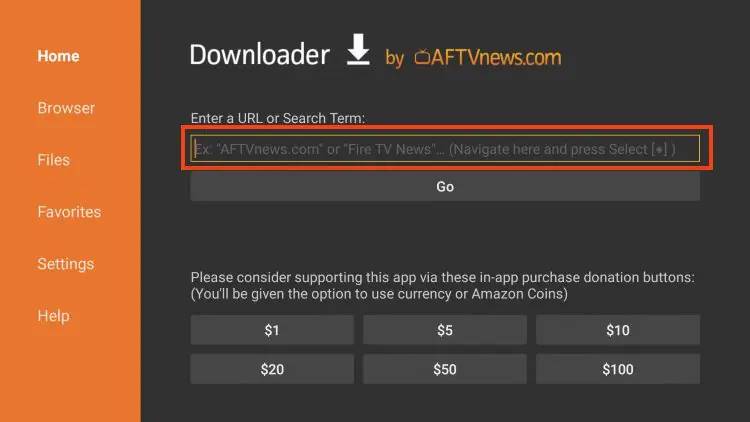
3. Enter this download code:
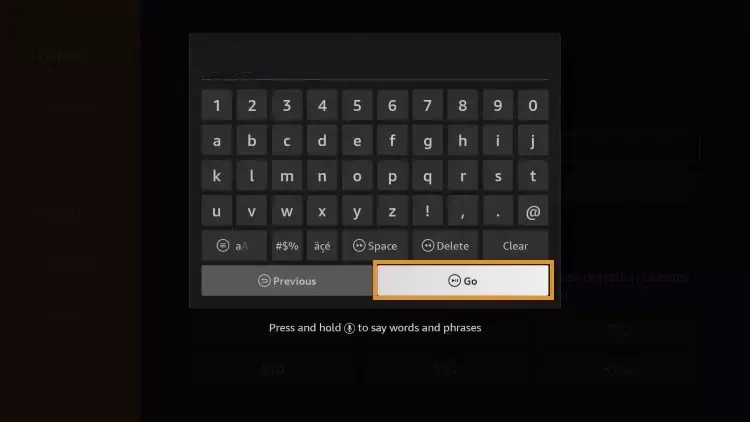
4. Click Go.
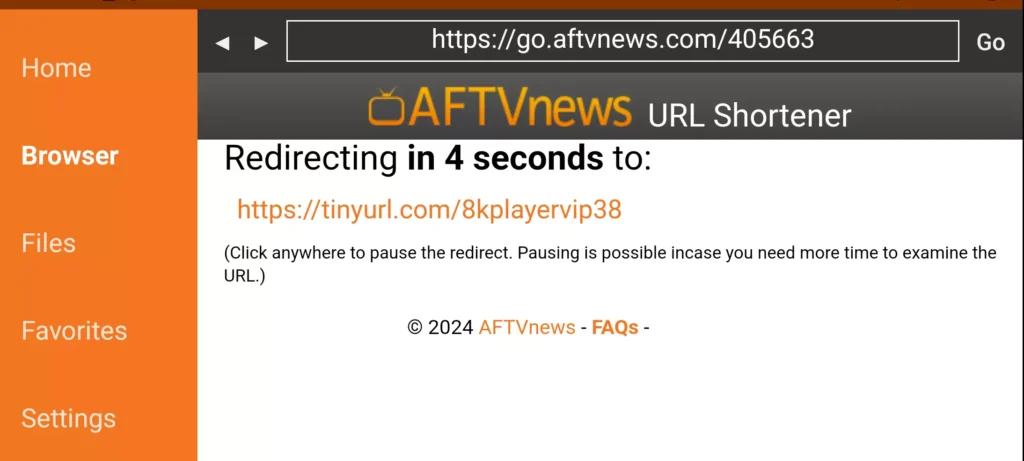
5. Wait for the redirect page (4–6 seconds).
6. If the download doesn’t start, click the link manually.
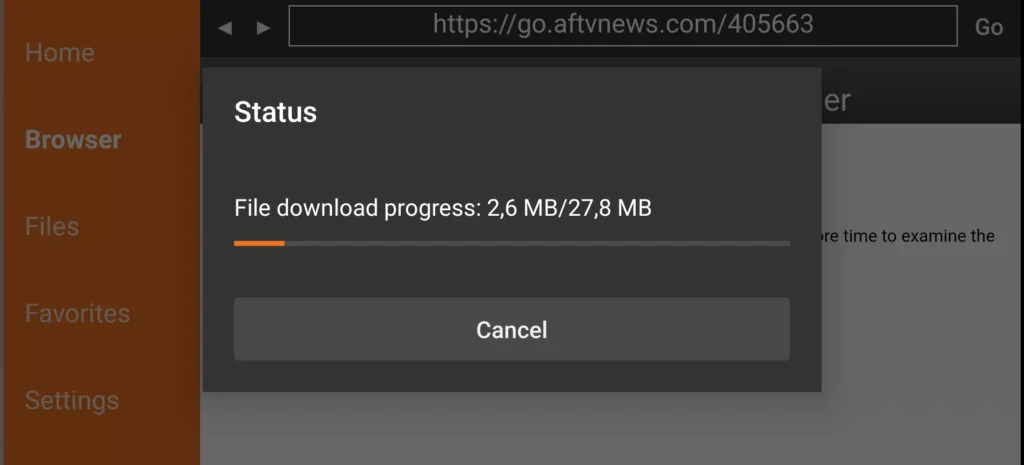
7. Wait for the 8K Player VIP APK to download.
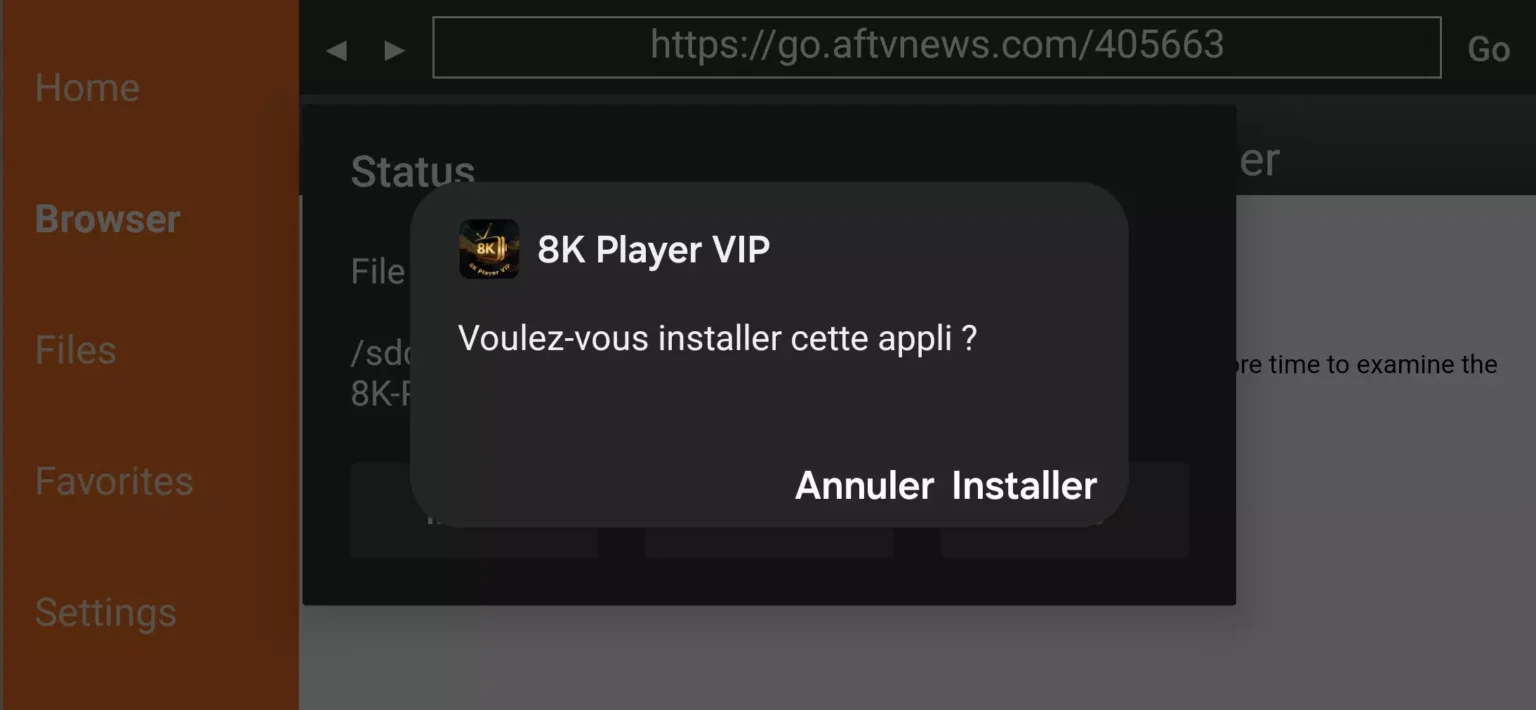
8. Click Install.
 The 8K Player app is now installed on your Fire TV Stick.
Step 4 – Configure IPTV on 8K Player
After installation, open the 8K Player VIP application.
Setup Instructions
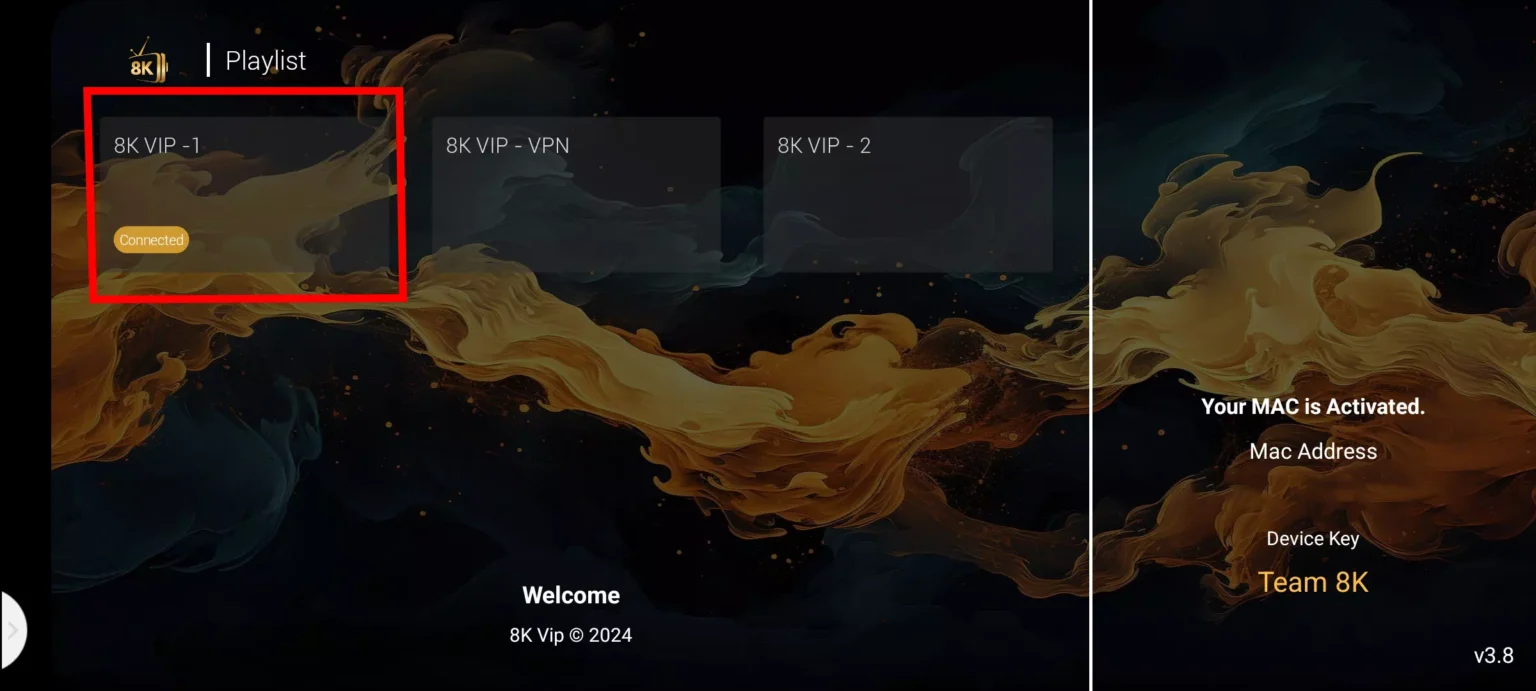
1. Click 8K VIP.
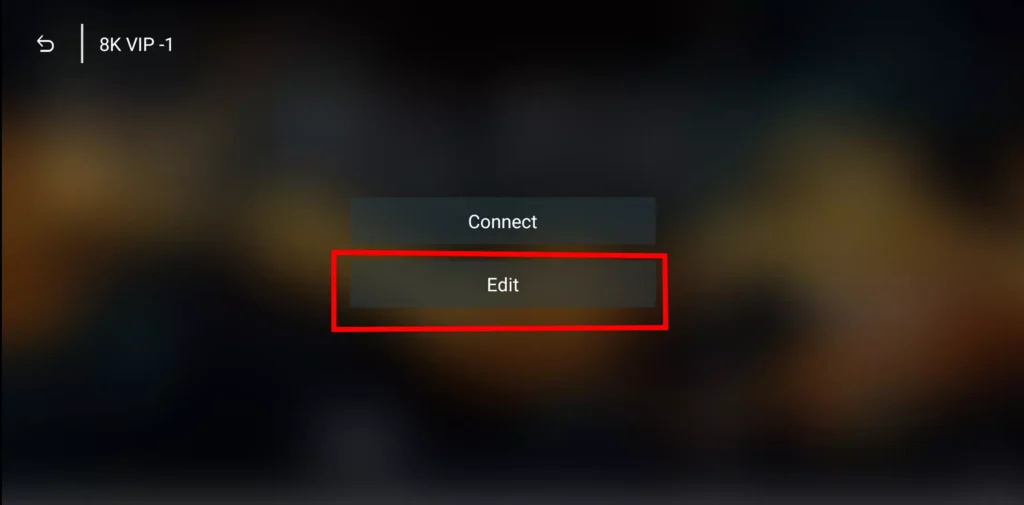
2. Select Edit.
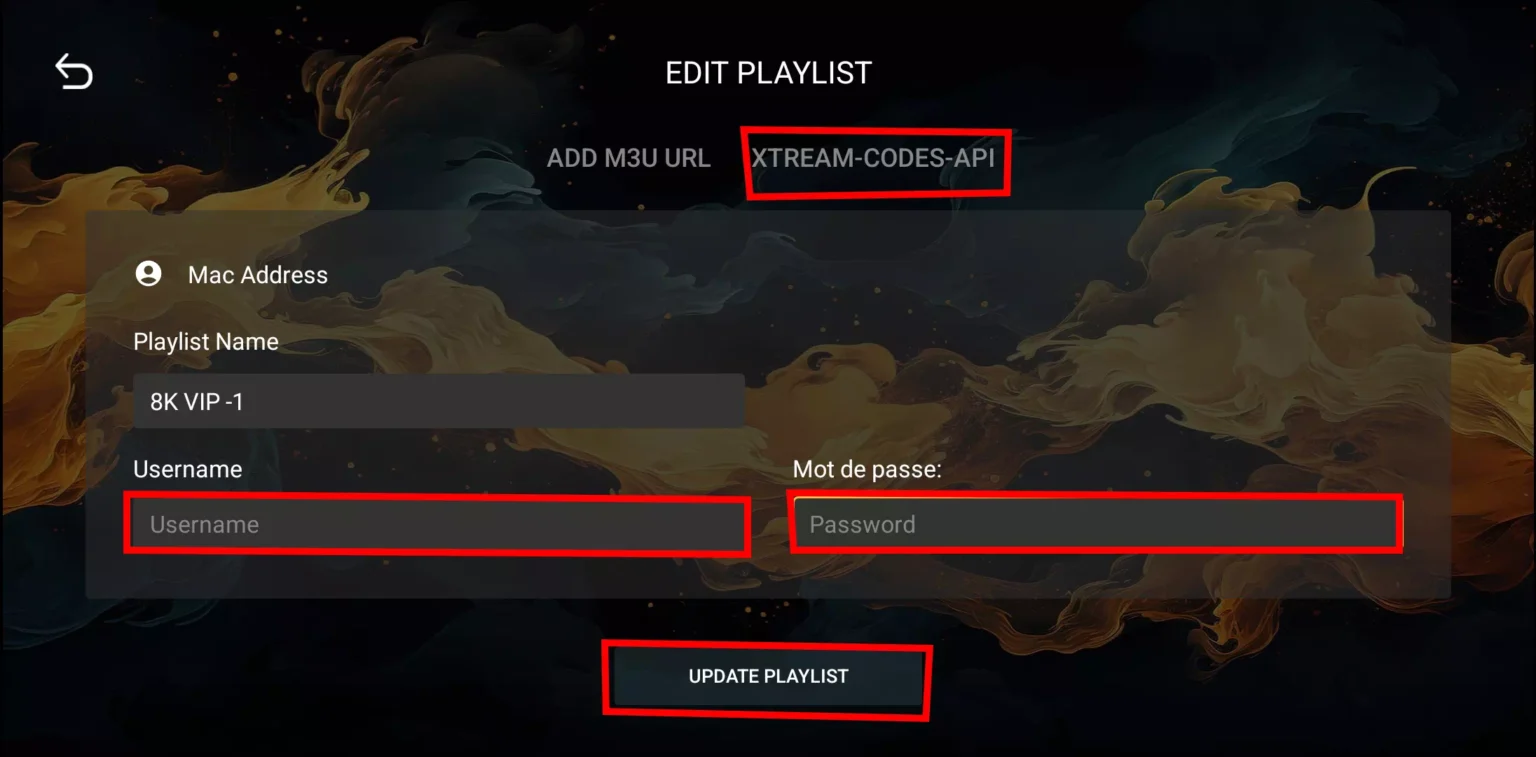
3. Enter your IPTV details:
- Playlist Name
- Username
- Password
4. Click Update Playlist.
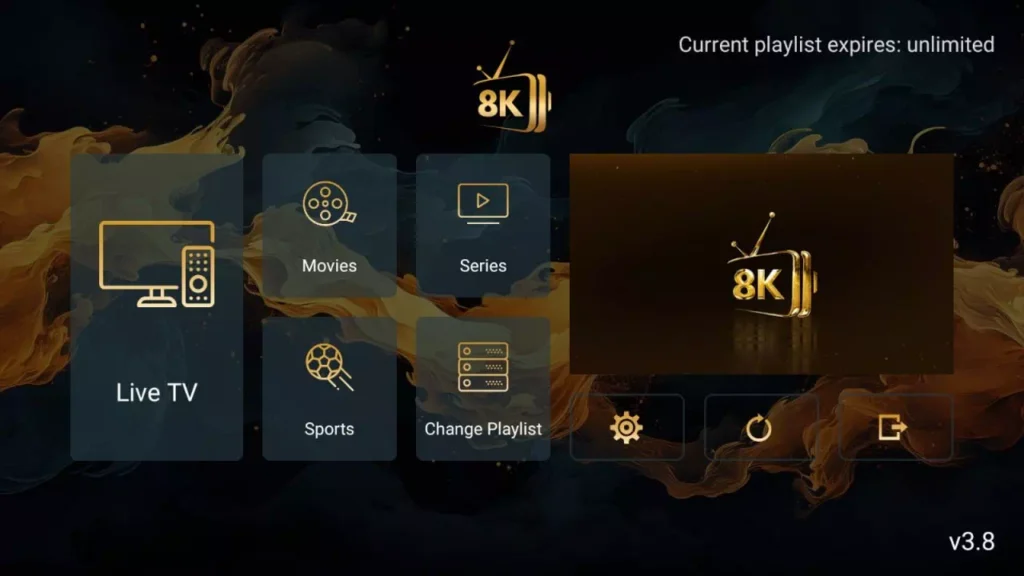
If you don’t yet have a subscription, you can order one and receive your login details instantly.